Share a system and its history with your contractor
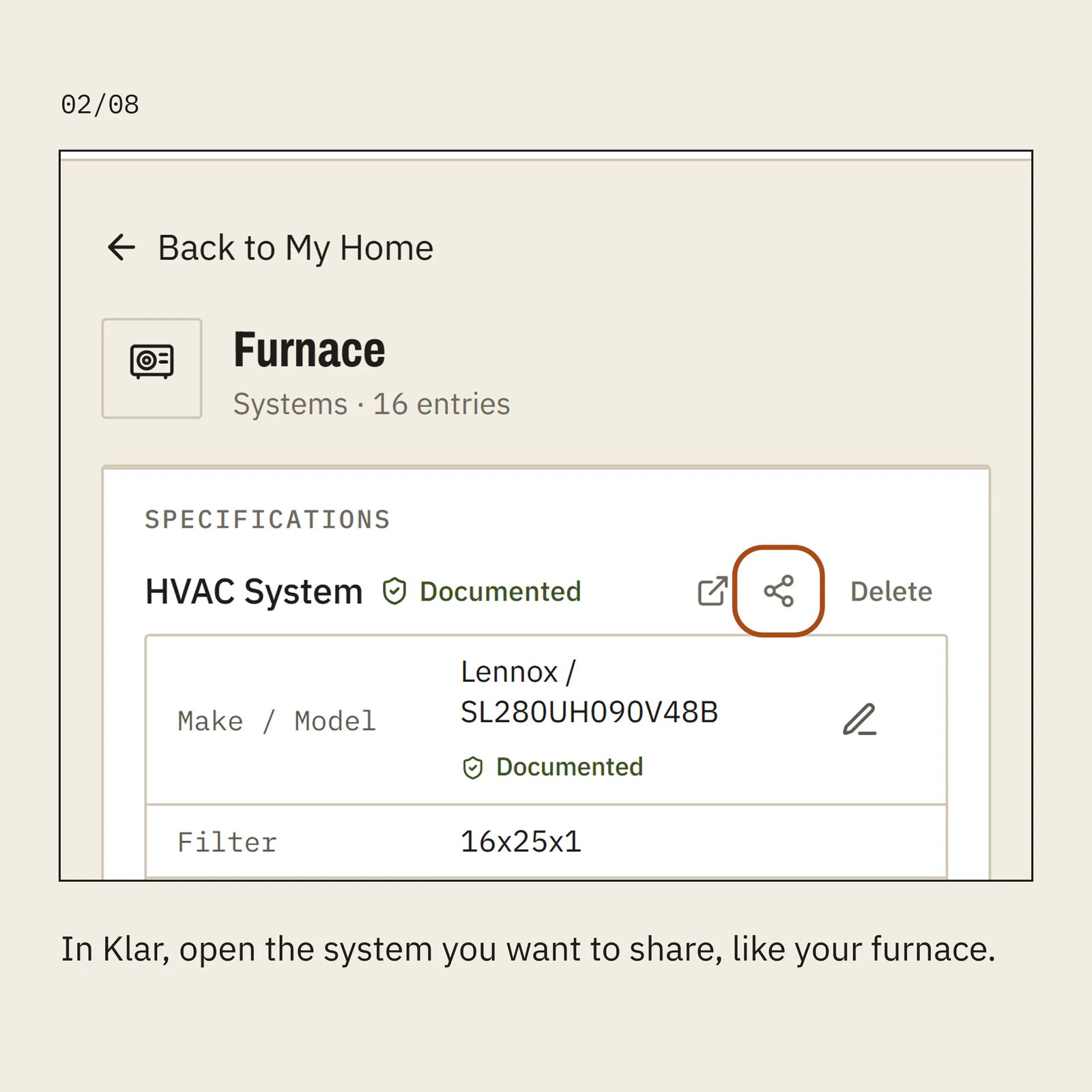
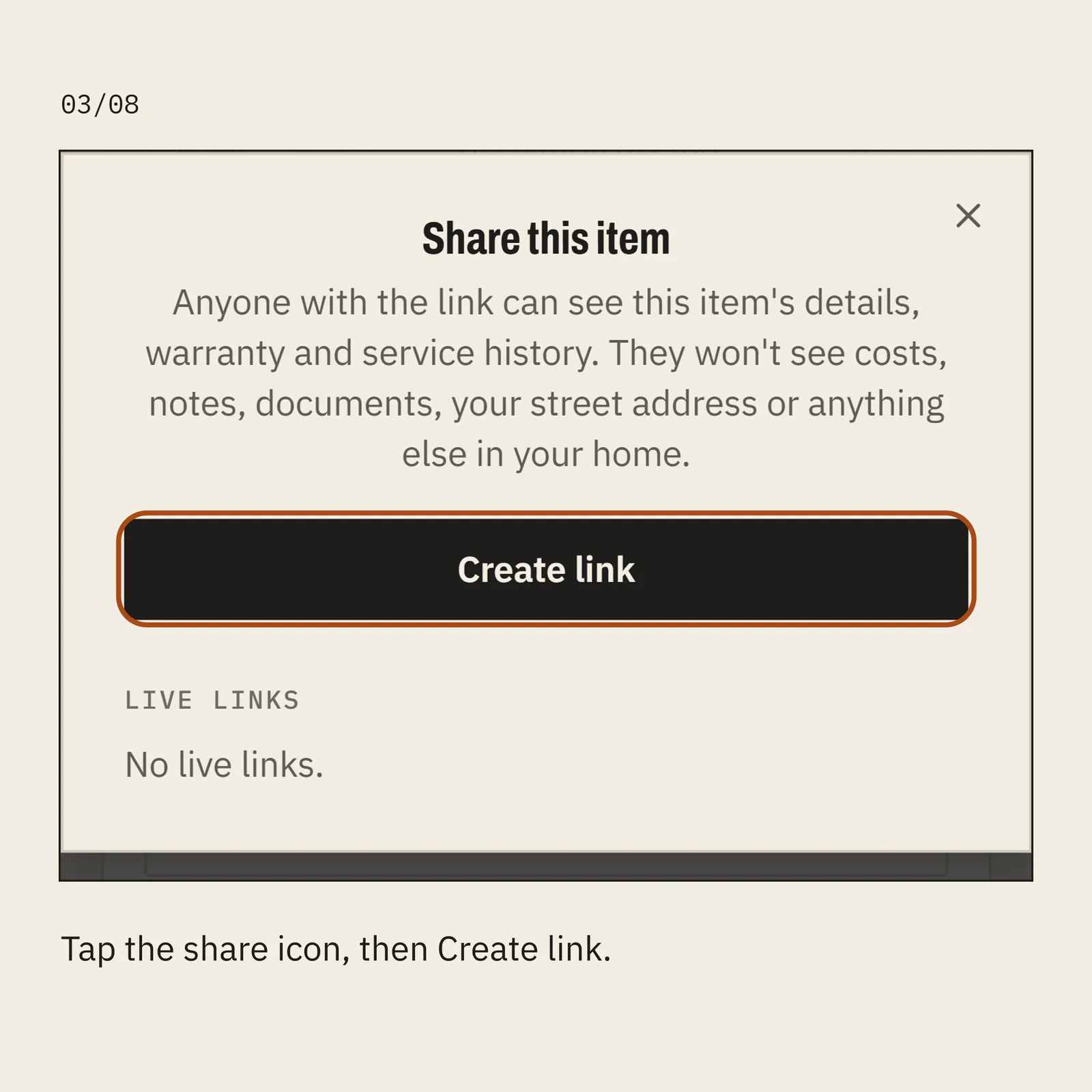
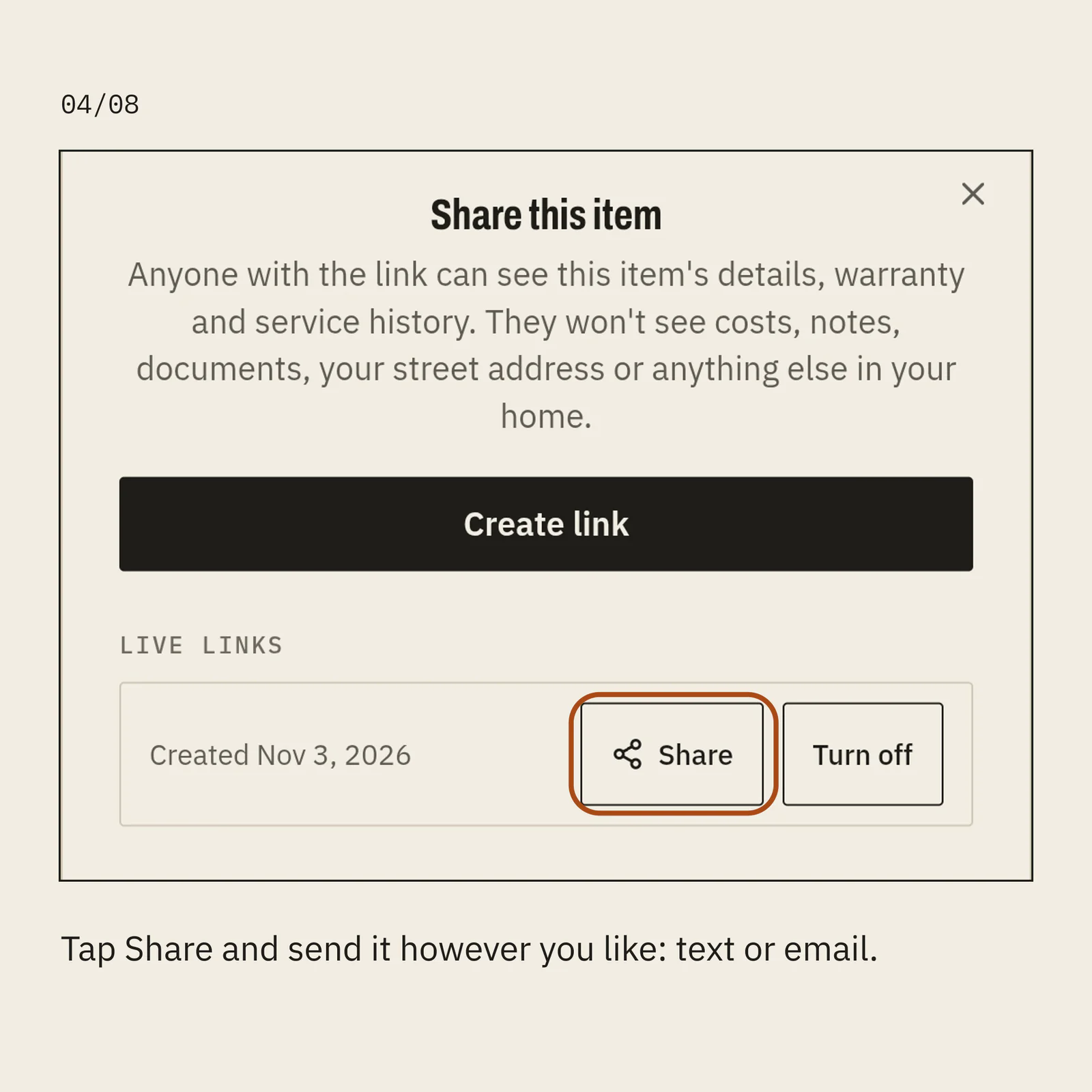
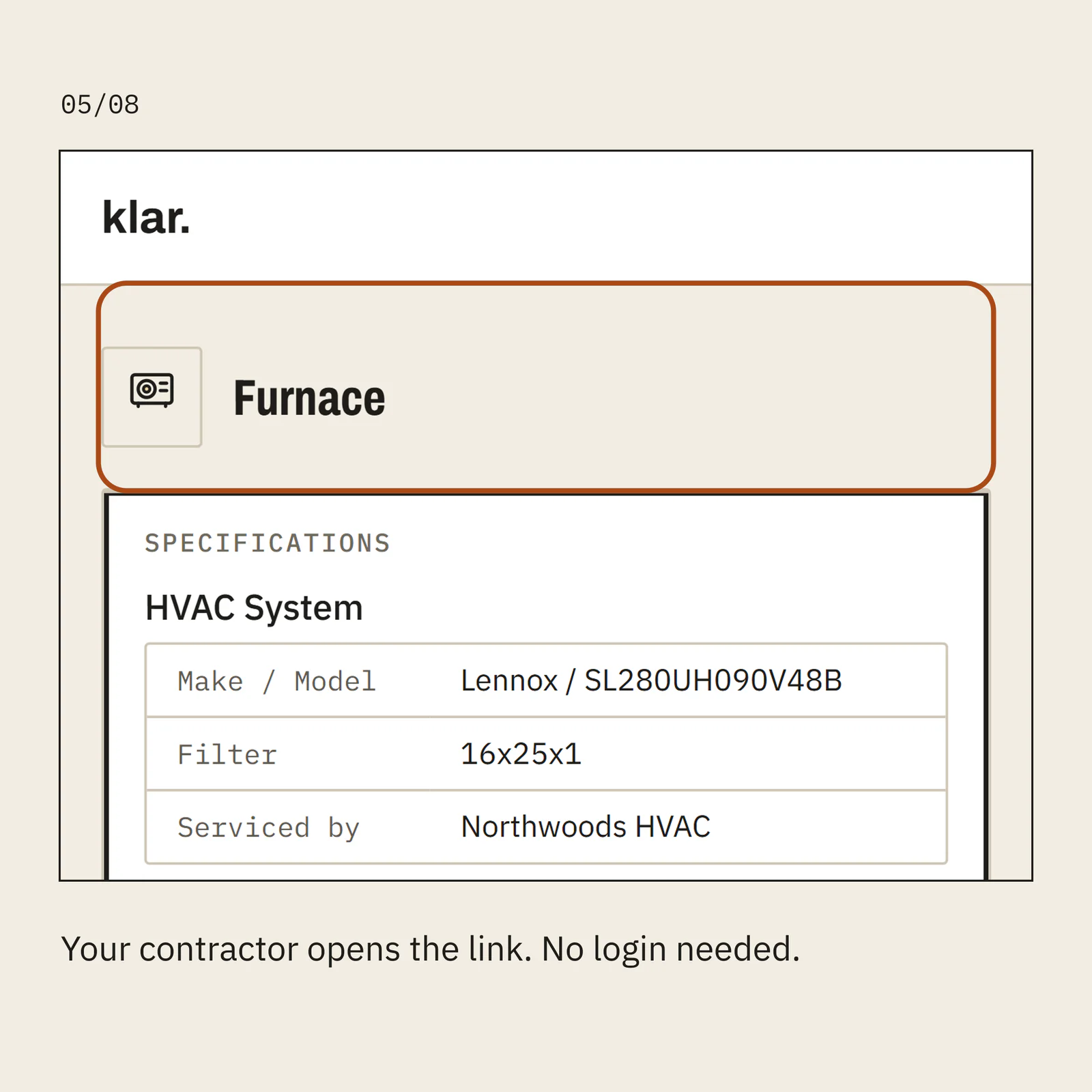
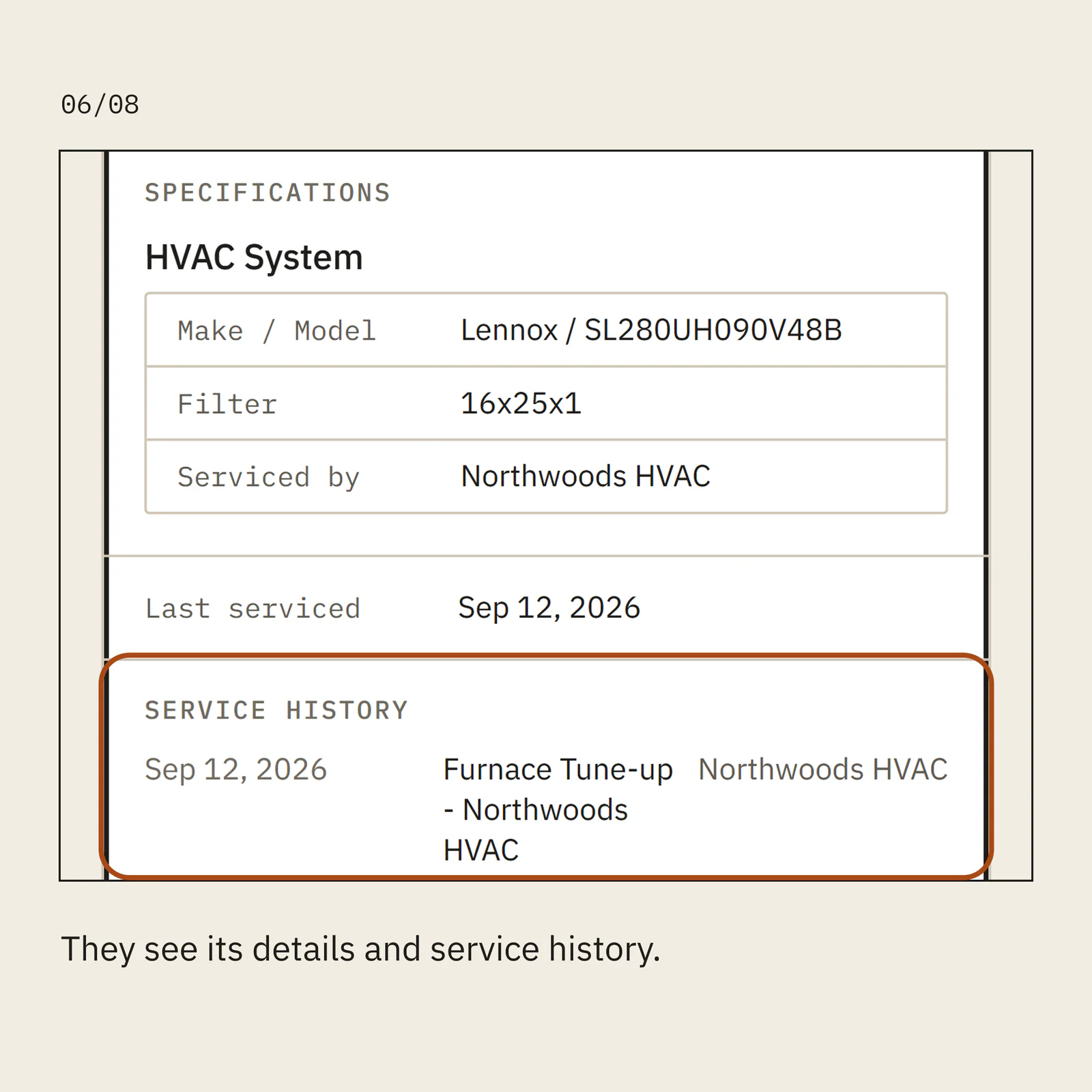
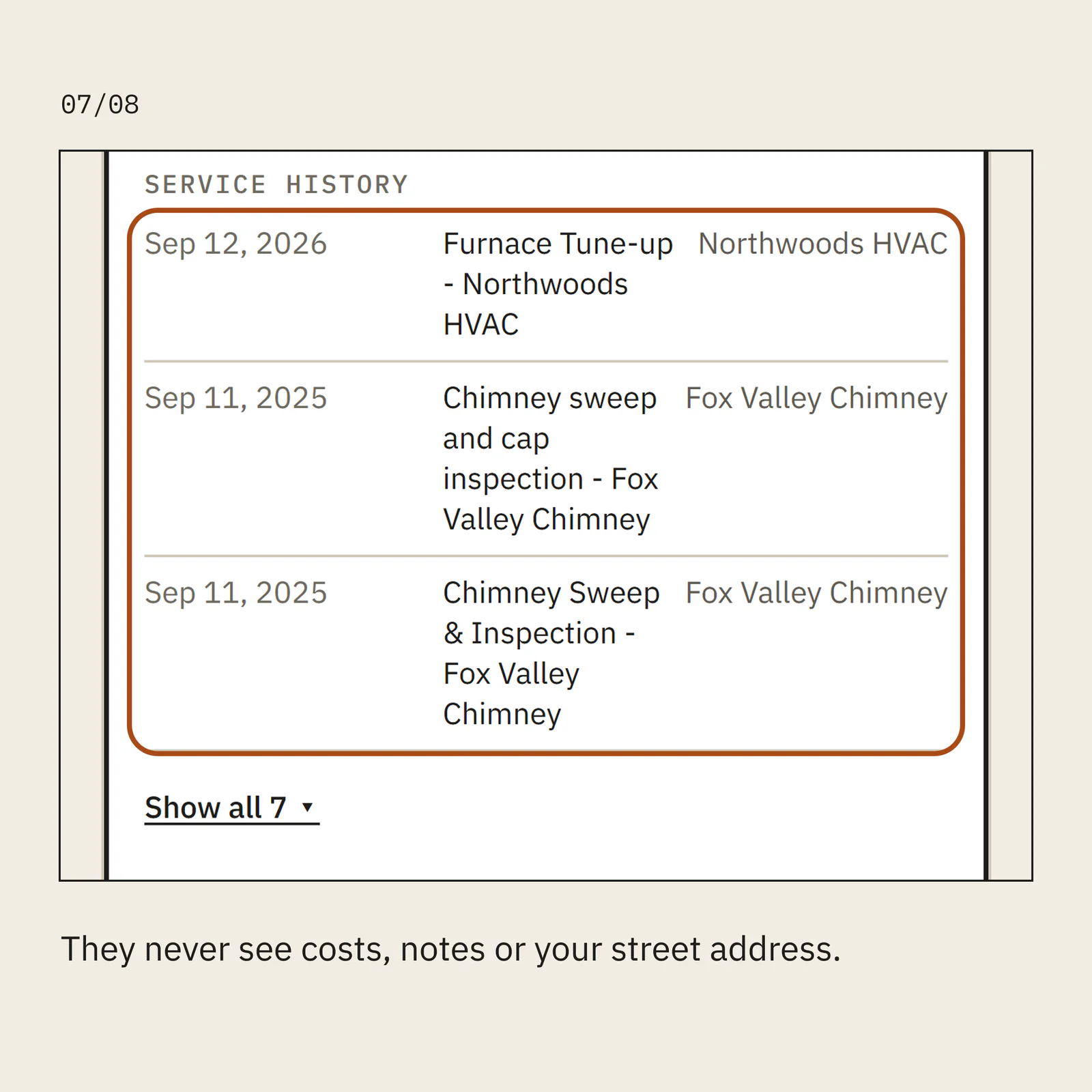
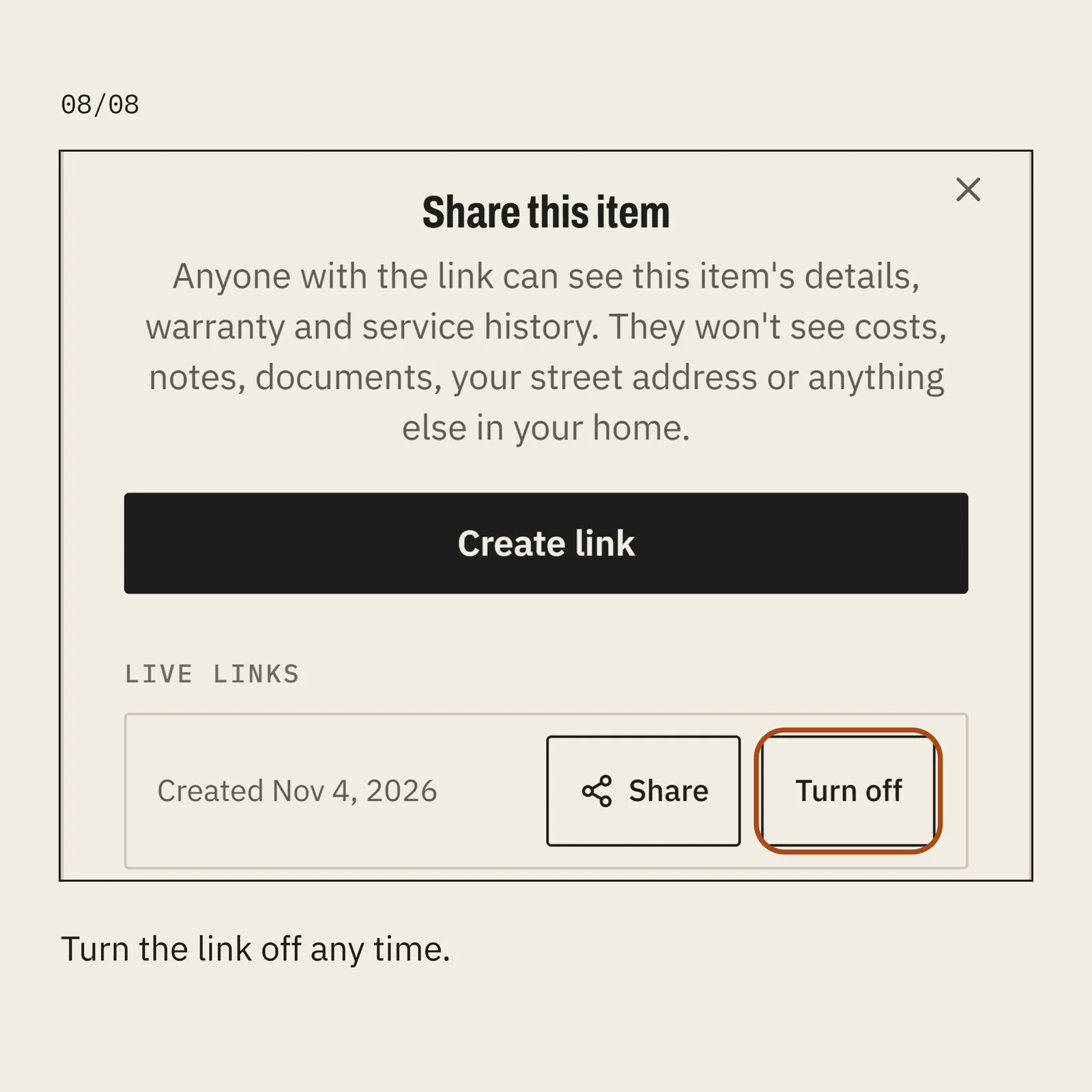
Share a system and its history with your contractor. From your phone.In Klar, open the system you want to share, like your furnace.Tap the share icon, then Create link.Tap Share and send it however you like: text or email.Your contractor opens the link. No login needed.They see its details and service history.They never see costs, notes or your street address.Turn the link off any time.