Set up Klar for your home

Set up Klar for your home. From your phone.
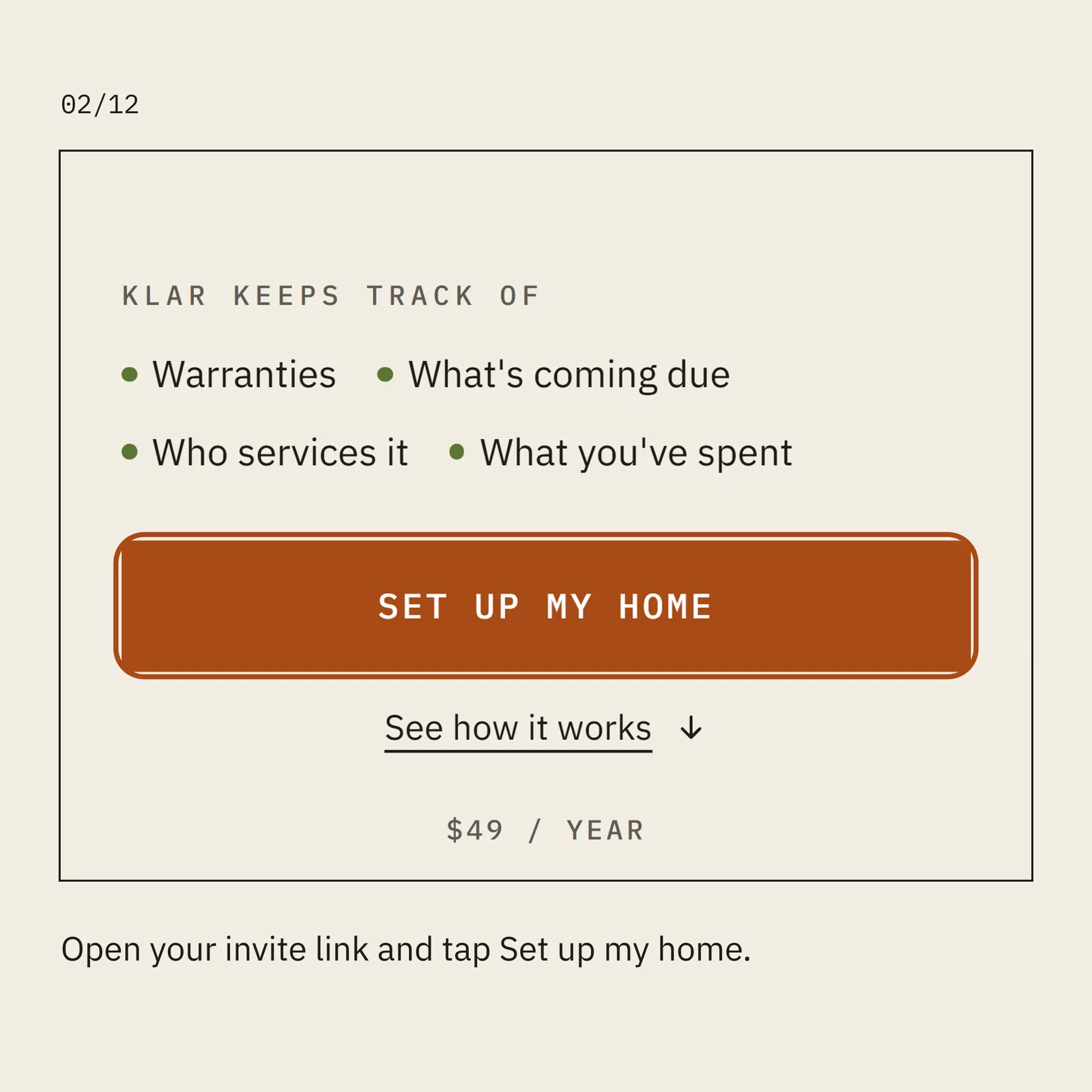
Open your invite link and tap Set up my home.
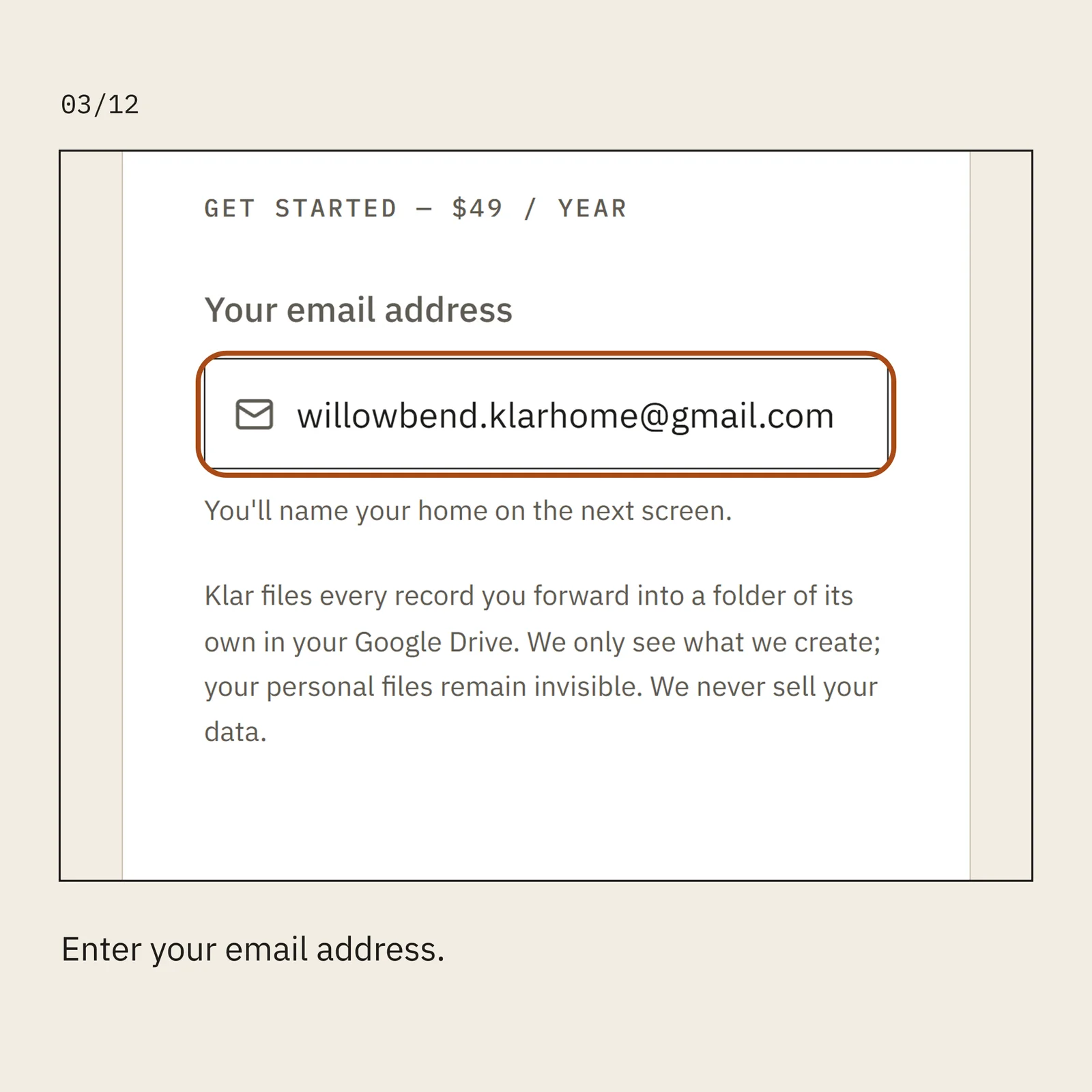
Enter your email address.
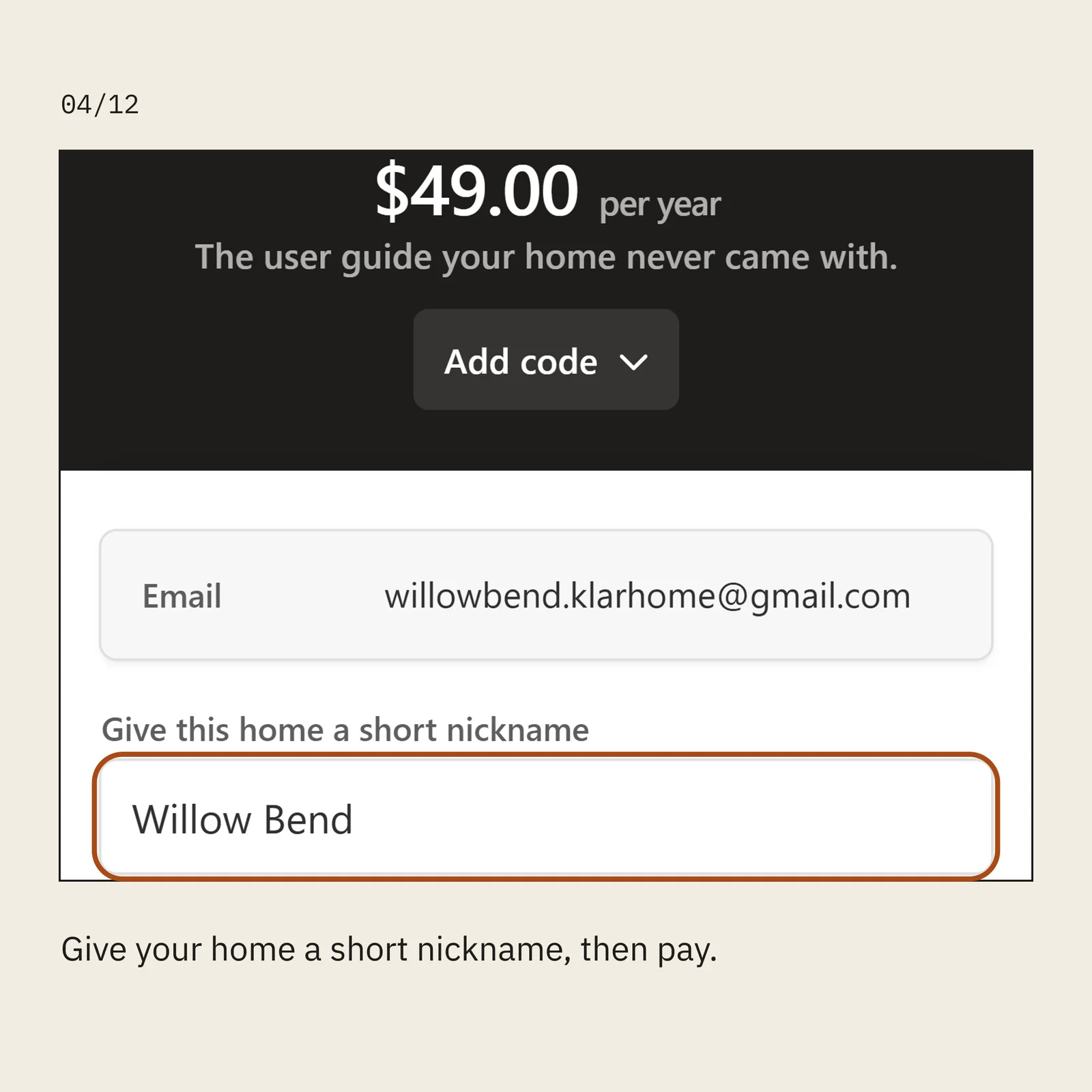
Give your home a short nickname, then pay.
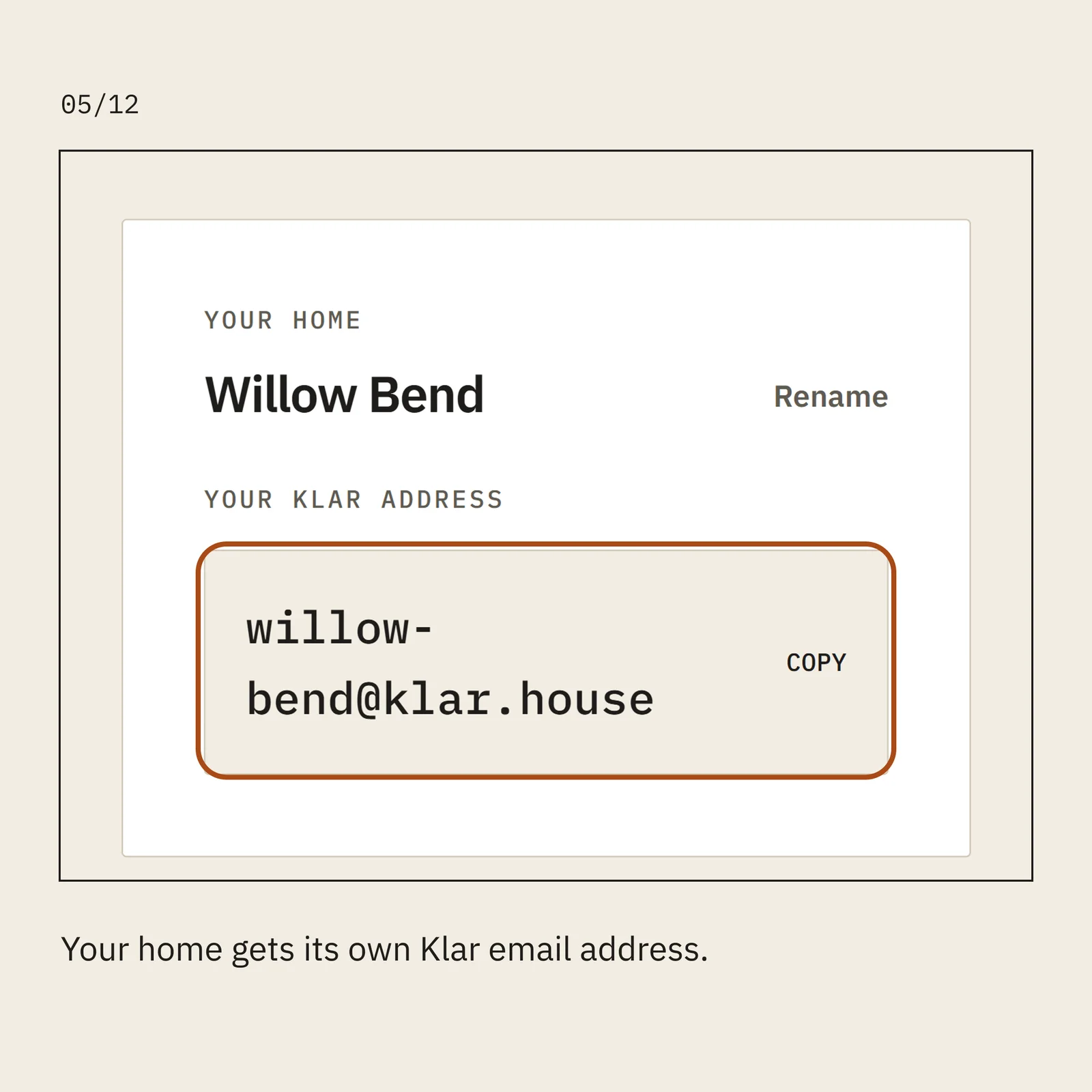
Your home gets its own Klar email address.
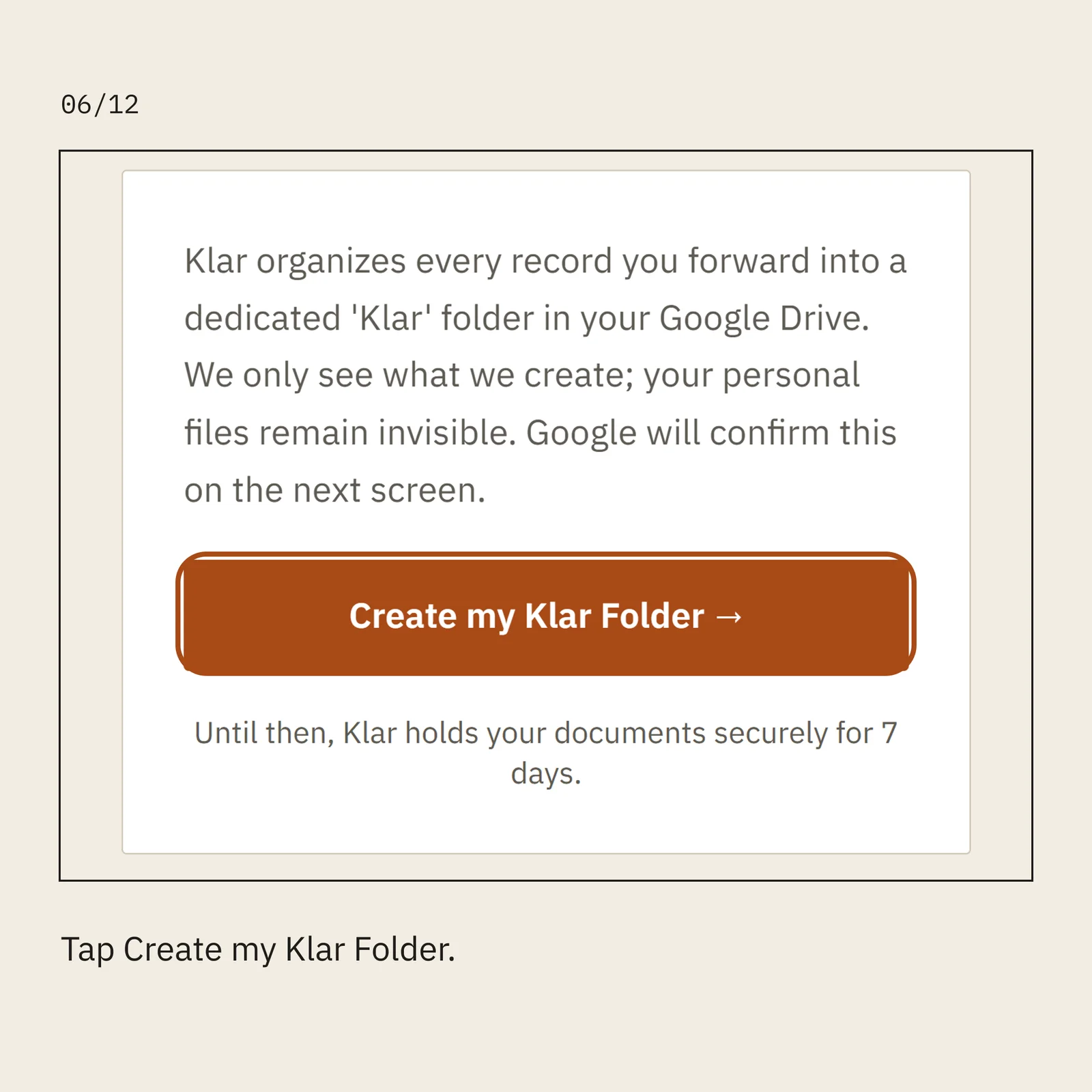
Tap Create my Klar Folder.
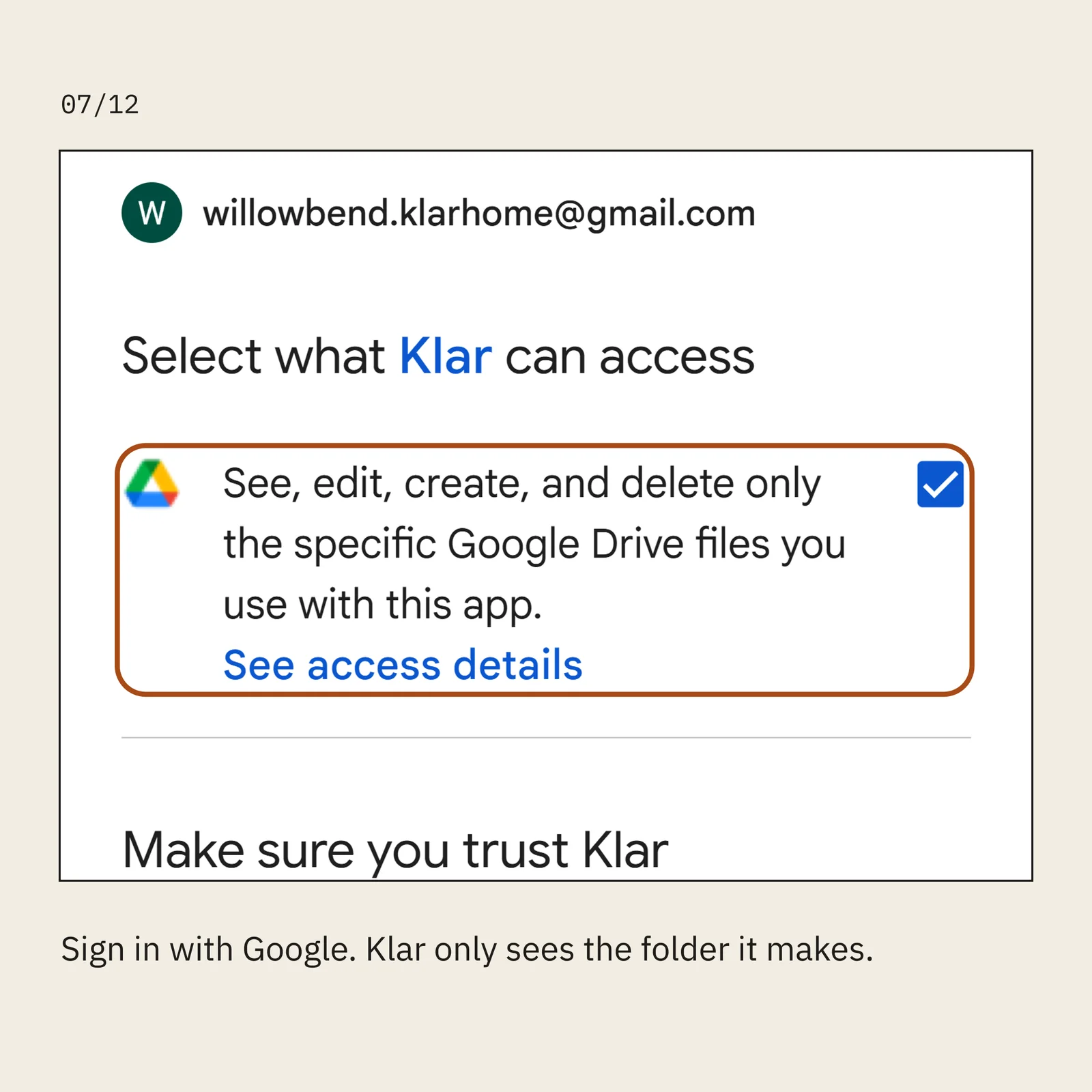
Sign in with Google. Klar only sees the folder it makes.
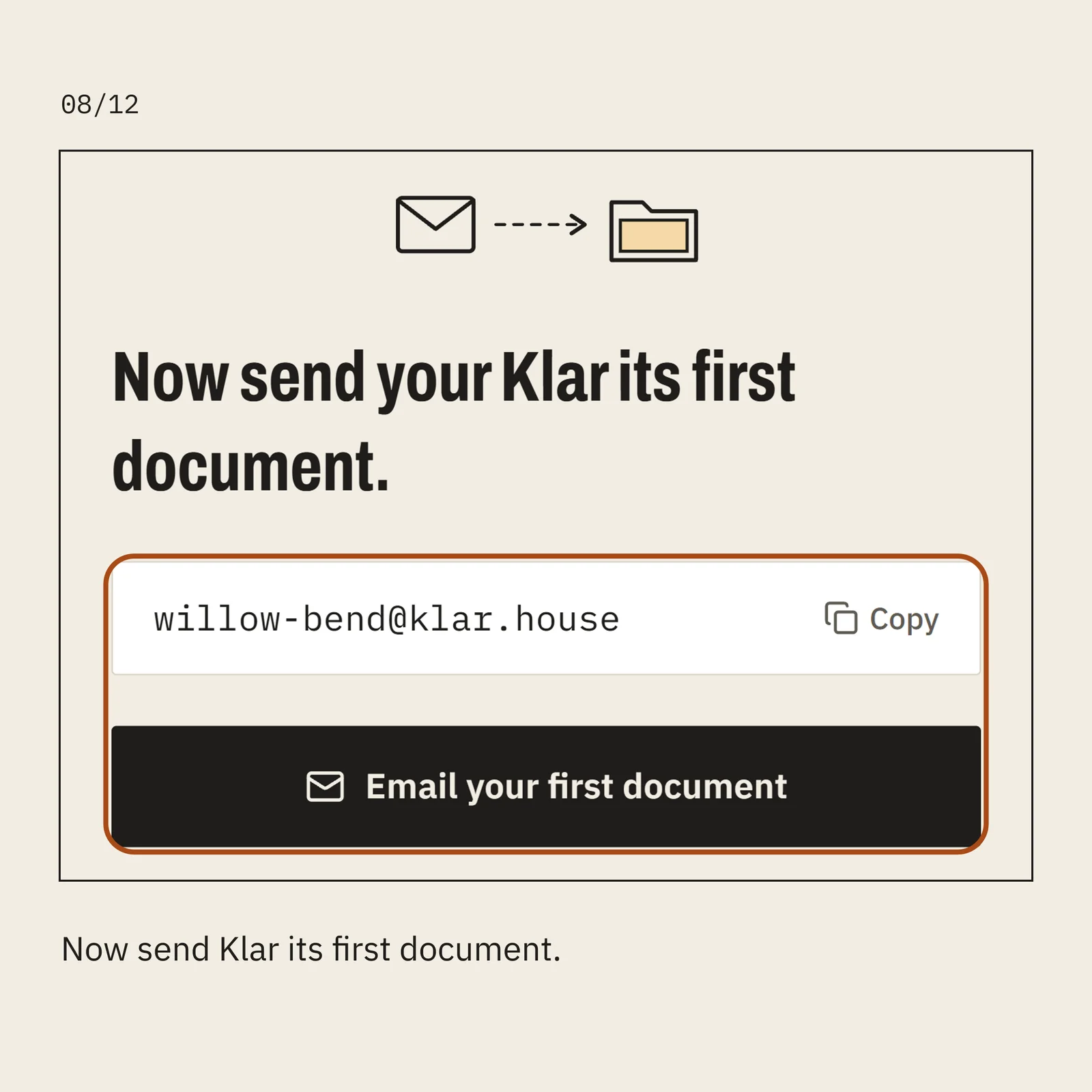
Now send Klar its first document.
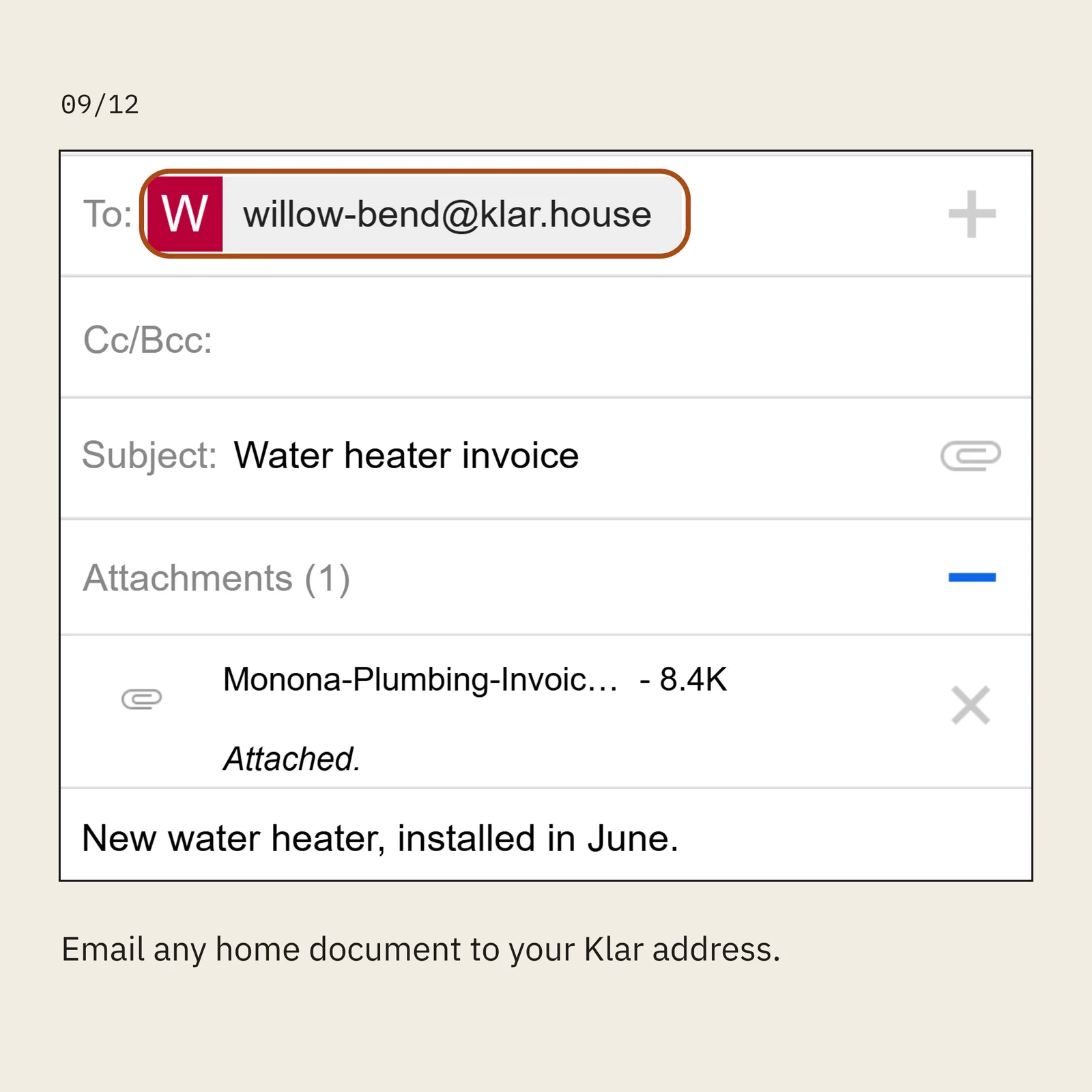
Email any home document to your Klar address.
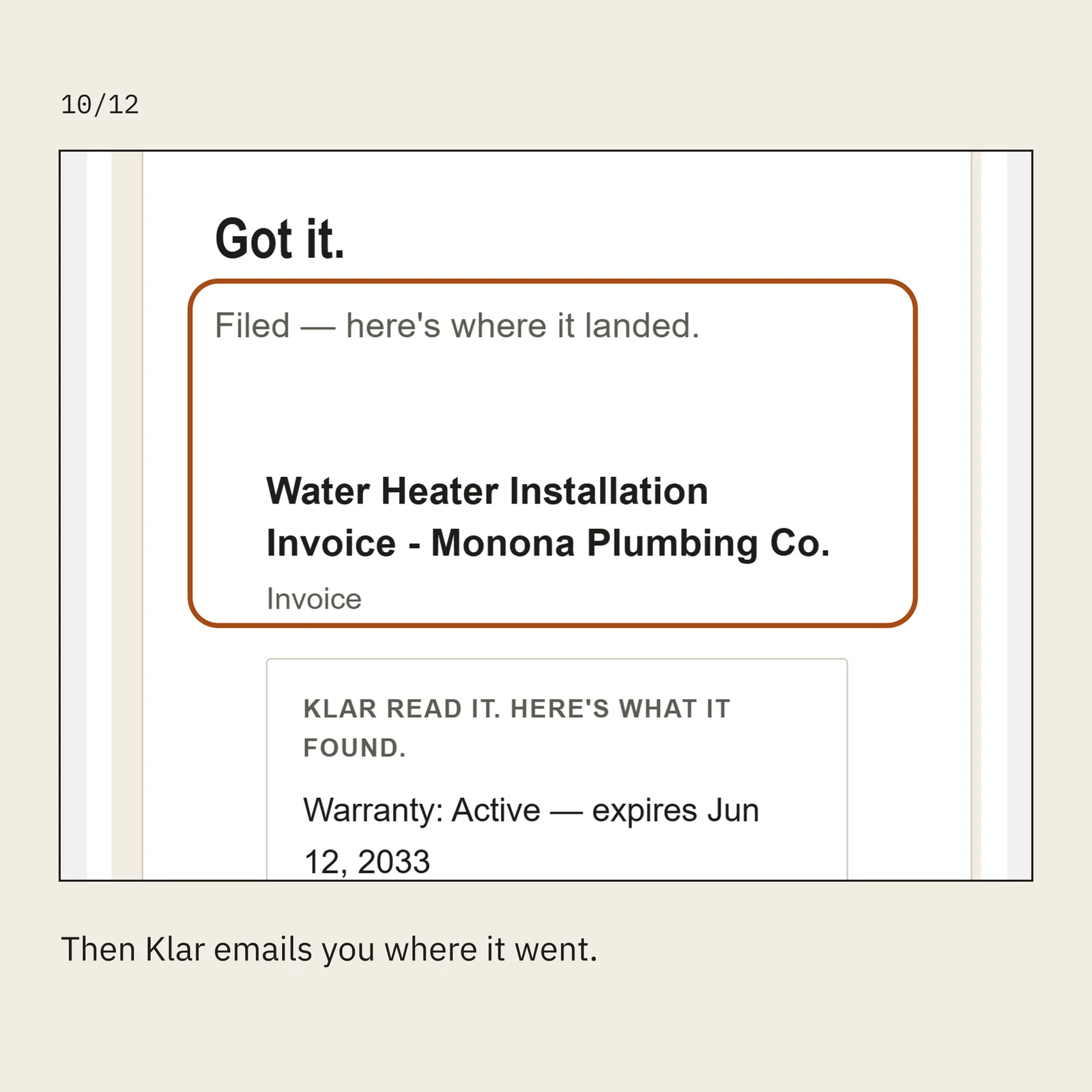
Then Klar emails you where it went.
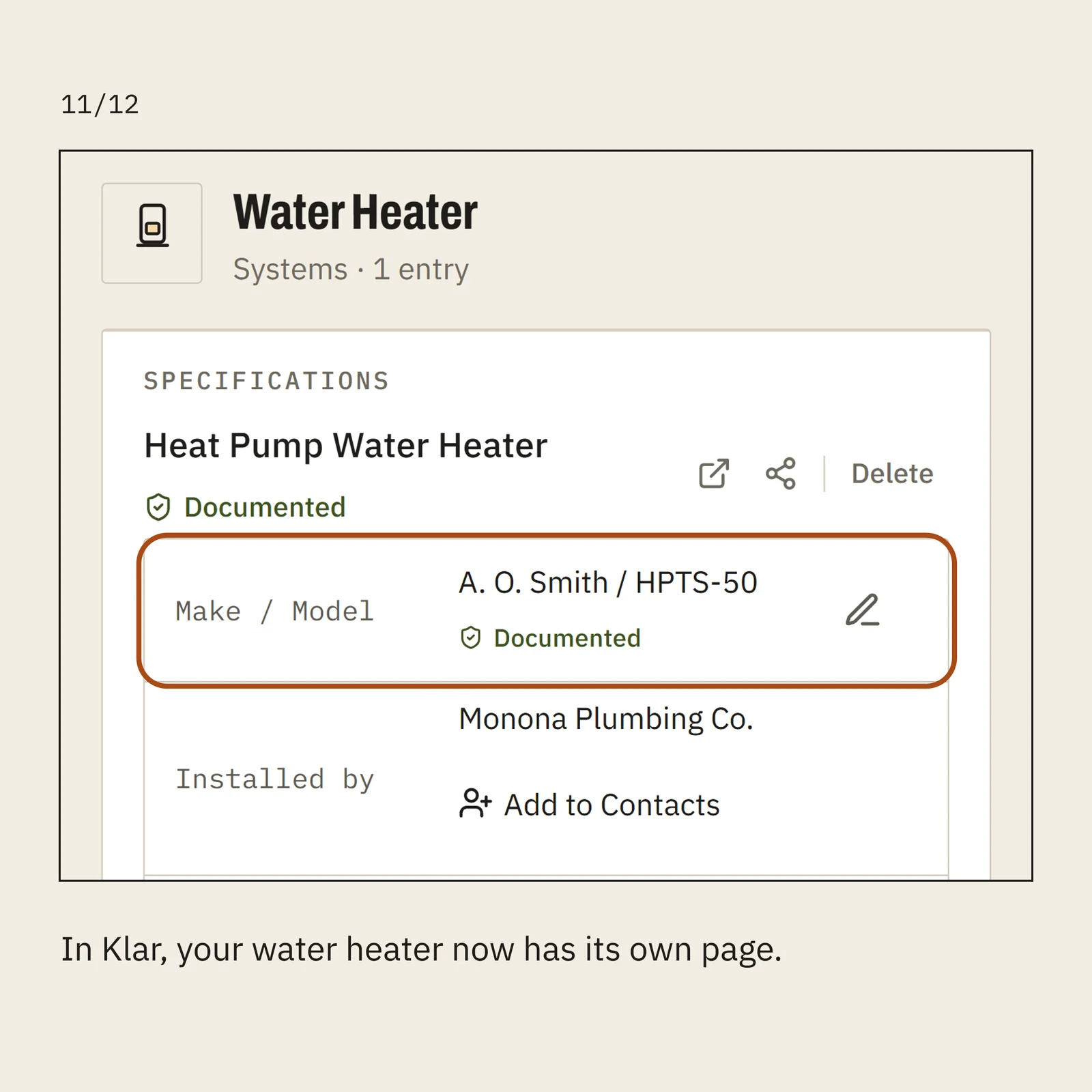
In Klar, your water heater now has its own page.
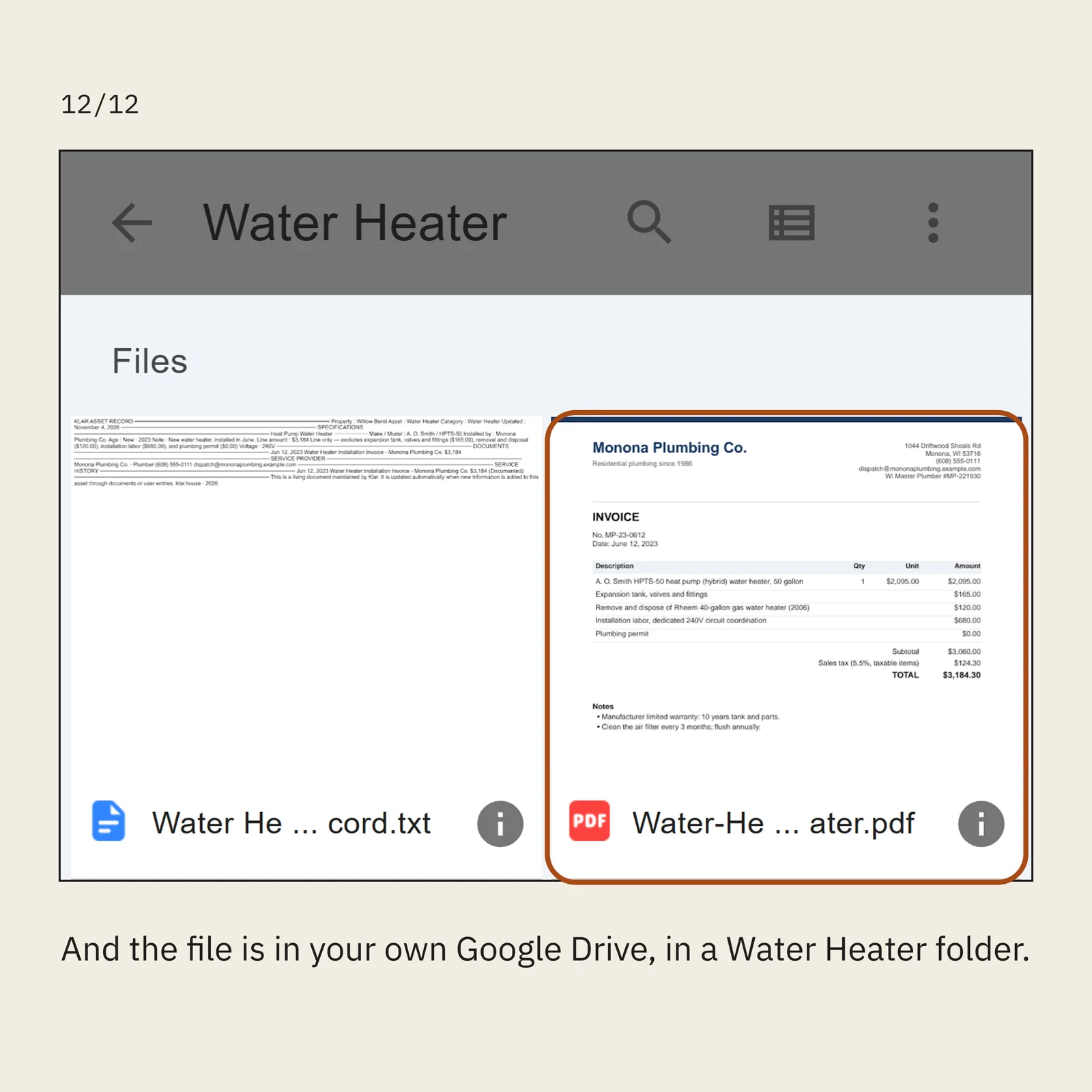
And the file is in your own Google Drive, in a Water Heater folder.
1 of 12